Led wall virtual production can create impressive in-camera backgrounds, but it also introduces technical risks that do not exist in the same way with physical sets. The camera is not only filming actors and props. It is also filming a digital display made from thousands or millions of light-emitting pixels. If the LED wall, camera settings, lens, processing, and content are not aligned, the image may show moire, flicker, color shift, rolling bands, visible seams, or strange texture in areas that should look smooth.
Moire is one of the most common concerns. It happens when the camera sensor pattern interacts with the pixel structure of the LED wall. The result may look like waves, interference, or crawling texture across the background. The risk increases when the camera is close to the wall, the pixel pitch is too large for the lens, the background has fine detail, or the shot uses deep focus. One practical solution is to test camera distance and focal length before the production day. Sometimes moving the actor forward, opening the lens, slightly softening the background, or changing the content detail can reduce the problem without changing the entire wall.
Flicker is another issue. The human eye may see a stable image, while the camera records flashing, banding, or exposure pulses. This can happen when the screen refresh, processor timing, and camera shutter are not synchronized. High refresh rates help, but they are not the only requirement. A technical director should test the real camera body, frame rate, shutter angle, and lighting setup that will be used on the shoot. A demo recorded on a phone is not a substitute for a controlled camera test.
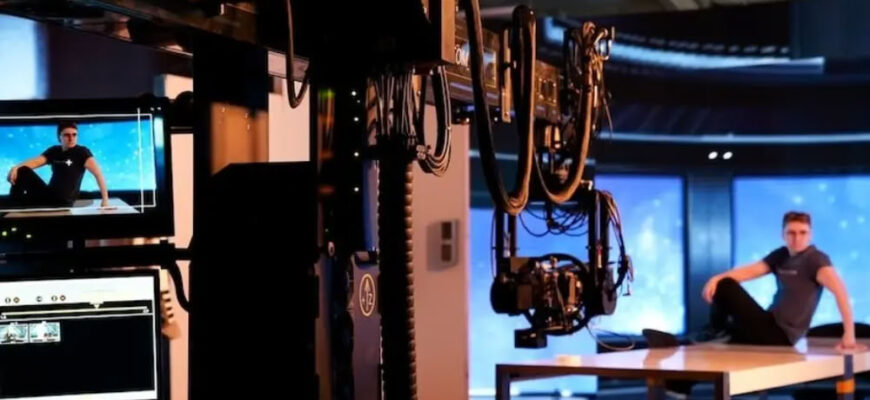
Color shift can be more subtle. An LED wall may look accurate from the center but shift color at an angle. It may reproduce saturated colors well but struggle with neutral grays or skin tone reflections. It may display a scene beautifully at high brightness but behave differently when dimmed for a night interior. The AIE Virtual Production Studio case highlights requirements such as high fidelity, low moire, wide viewing angle, hardware performance, and compatibility with rendering engines and production protocols. Those points show why image quality must be treated as a system-level issue.
Testing should include more than one beautiful background. A useful test package includes blue sky gradients, dark interiors, high-contrast edges, moving horizontal lines, reflective objects, skin tone references, and fast camera moves. Each scene reveals a different risk. Gradients can expose banding. Dark content can show uneven cabinets. Fine patterns can create moire. Reflections can reveal color mismatch. Fast movement can reveal latency or synchronization problems.
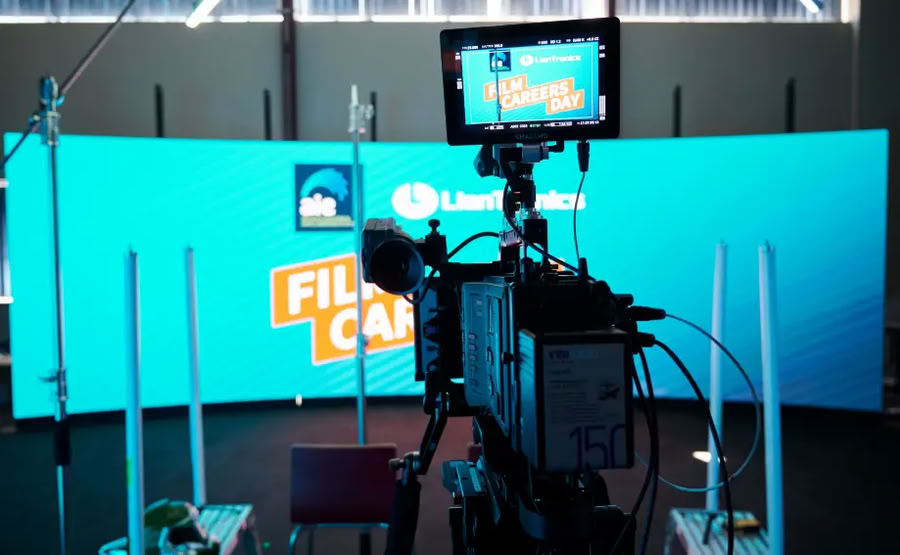
The wall should also be calibrated in the context of the full lighting design. A bright wall can contribute useful interactive light, but it can also contaminate skin tones or reduce contrast if it is not balanced with key lights and practicals. The xR and VP LED wall approach emphasizes accurate color, low latency, real-time synchronization, and integrated calibration support. Those capabilities become especially important when the wall is used for final pixels rather than only as an approximate preview.
Another good practice is to keep technical notes during tests. Record the camera model, lens, focal length, aperture, shutter angle, frame rate, wall brightness, processor settings, and scene file. If a certain setting creates moire or flicker, the team can avoid it later. If a certain combination is clean, it can become a repeatable preset for similar projects.
Content teams should be part of this process. Sometimes a screen artifact is not caused by the hardware at all, but by the background design. Dense grids, thin horizontal lines, high-frequency texture, and sharp repeating patterns can create problems when photographed on an LED wall. A virtual art department can prepare alternate versions of risky backgrounds with reduced detail, adjusted contrast, or slightly different scale. This does not mean the image must look soft or simple. It means the artwork is optimized for a camera-facing display rather than for a still frame on a workstation. Early collaboration between the content artist and camera department can prevent many issues that would otherwise be blamed on the screen.
The crew should also decide what is acceptable before the client review. Some mild background softness may be invisible in the final edit, while a flicker pattern across a product surface may be unacceptable. A technical test should therefore include approval criteria, not just informal observations. Clear standards help the team choose practical fixes instead of chasing perfection in areas the audience will never notice.
Virtual production rewards preparation. Many screen artifacts are preventable if the production team tests early and treats the LED wall as part of the camera pipeline. The goal is not only to make the wall look good in the room. The goal is to make it look stable, believable, and controllable through the lens.